Velkommen til SmartSteps2Learn.
Vi handler udelukkende med institutioner med EAN nummer.


External CO2 sensor (0 to 5000 ppm)
1.760,00 kr. Ex. moms
Preparing the Probe
1. Connect the CO₂ probe adapter to the Micro-USB external probe socket on the Labdisc. Make sure that the USB sign on
the adapter cable connector is facing up.
2. Turn on the Labdisc.
3. If this is the first time you are using the CO₂ probe – connect the Labdisc to its AC/DC adapter and let the probe run for 24
hours warm-up in order to reach best accuracy.
4. Click on the probe key located above the external probe socket where you’ve plugged in the CO₂ probe. If this key has
two probe icons, you might need to press it twice to show the magnetic field probe.
5. The probe needs 30 seconds to “warm-up”. During this time, the Labdisc will show
5000 ppm. After the “warm-up” time the Labdisc will display 350 to 600 ppm in a ventilated room.
6. Using the CO₂ probe, the Labdisc will not enter “sleep-mode” to avoid warming up the probe for 30 seconds before each
measurement.
7. The Labdisc shows the CO₂ probe readings in “ppm” units.
Using the CO₂ Probe with the GlobiLab Software
1. Open the GlobiLab software.
2. Make sure it is connected to the Labdisc via USB or Bluetooth communication.
3. Click the SETUP icon to open the Logger setup dialog box.
4. The CO2 probe is automatically identified by the software.
5. To select this probe, simply click on selection button to the left of the CO₂ probe
icon.
Relaterede varer
-

Globisens Charging tray
2.995,00 kr. Ex. moms -
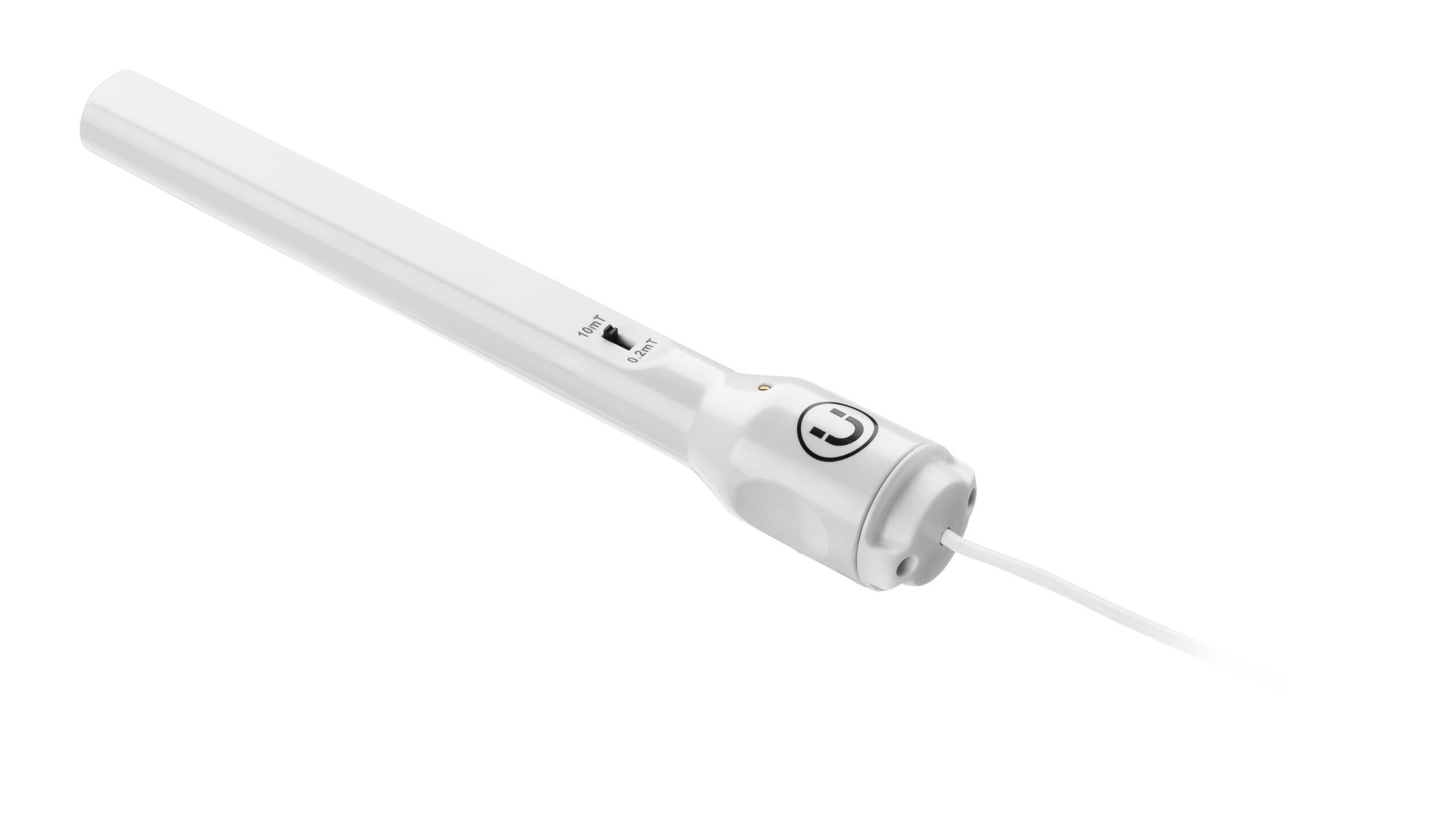
MAGNETIC FIELD
395,00 kr. Ex. moms -
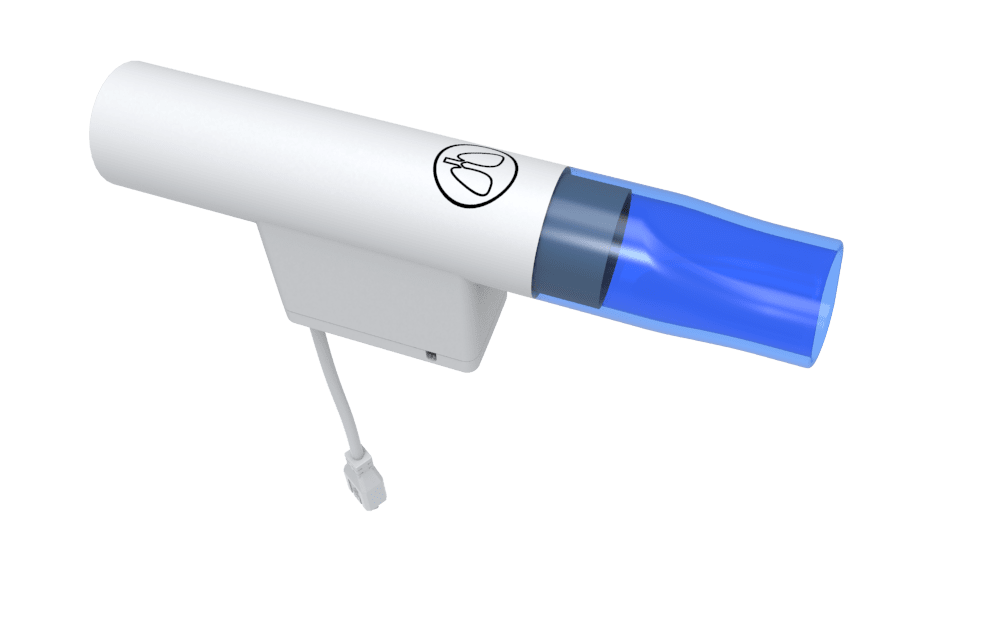
External Respiration Probe
985,00 kr. Ex. moms -

External Temperature sensor (-25 to +125°C).
395,00 kr. Ex. moms


